
TL;DR
1
Log in to Shopify
Access your Shopify account to begin.
2
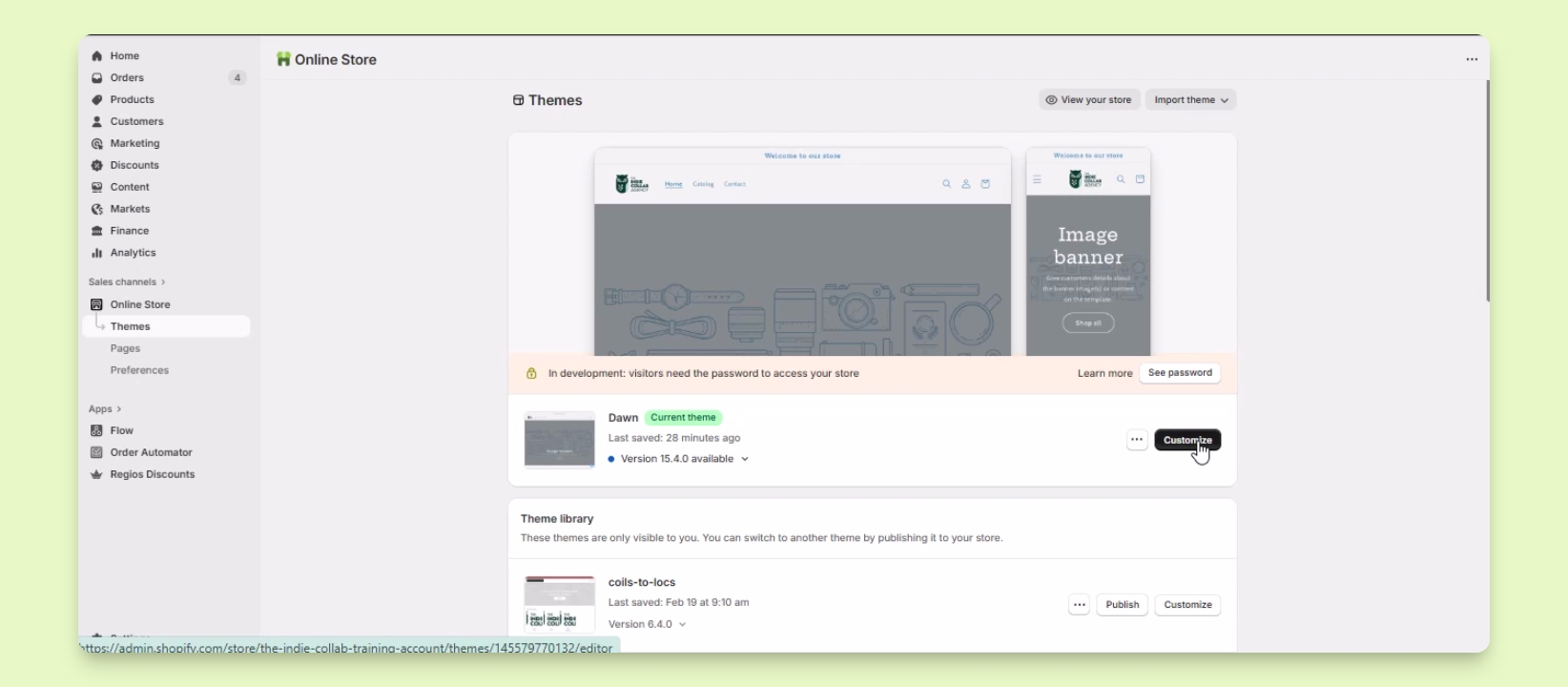
Open Online Store
Select Sales Channels and click on Online Store.
3
Click Customize
Choose the theme and click the Customize button.
4
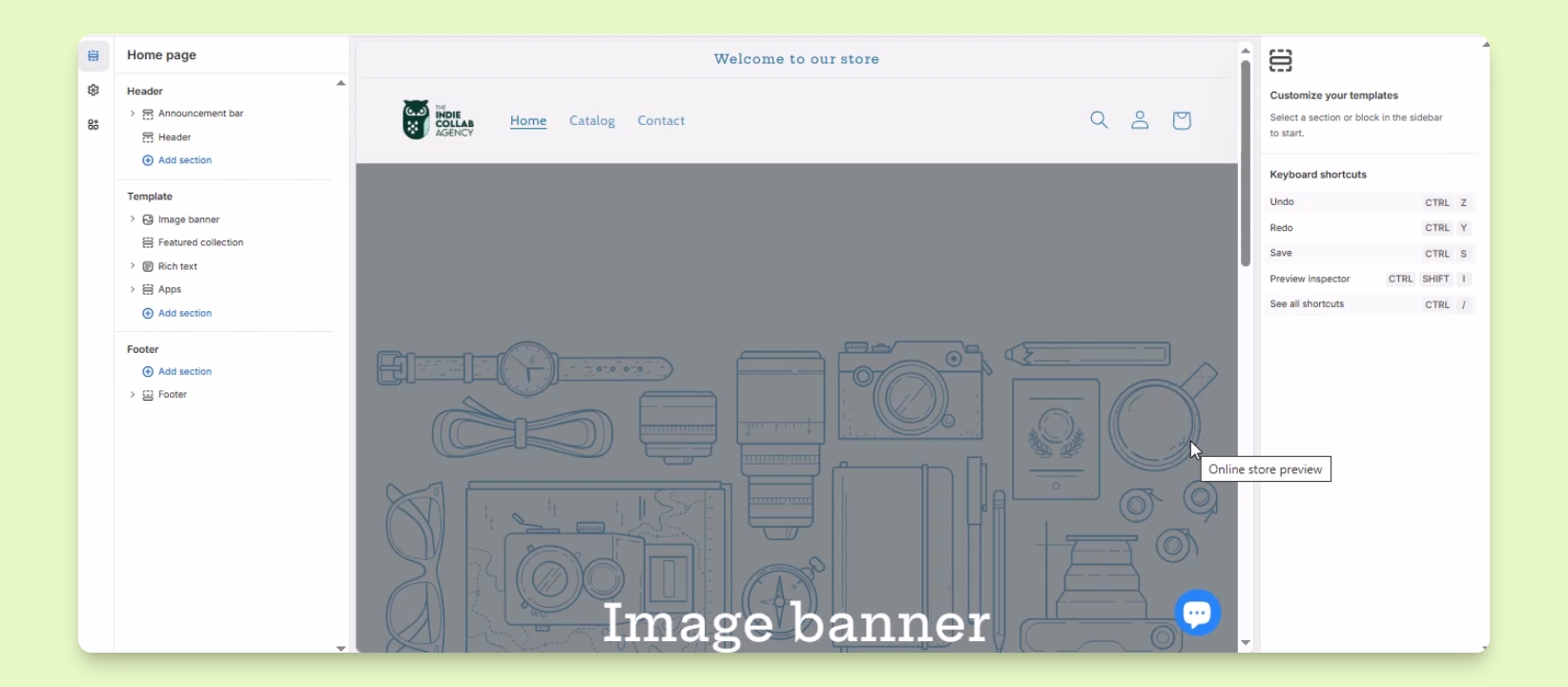
Edit Your Theme
Use the theme editor to customize sections and settings.
Let's Do It Together!
Step 1: Access the Theme Editor
Log in to your Shopify account.
Select Sales Channels and then click on Online Store.
Find the theme you want to customize and click the Customize button.
The theme editor will open, allowing you to edit your storefront.
Step 2: Customize Your Theme
In the theme editor, you can add sections, edit existing ones, and change settings.